
Blog
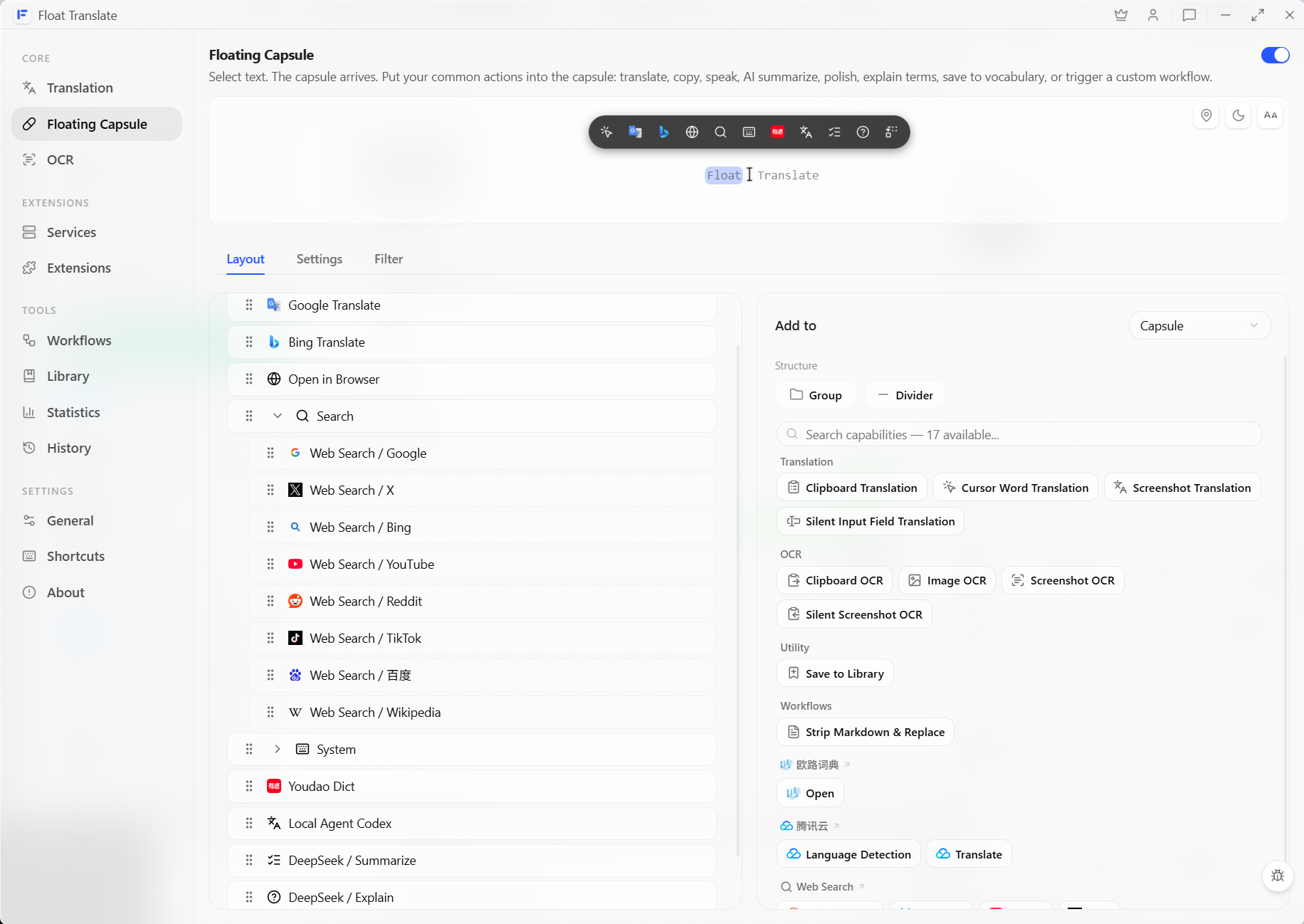
Float Translate: Selection Translation, OCR, quick text actions, and custom workflows
Float Translate is a desktop tool for Selection Translation, OCR, and quick text actions. This article explains why translation and selection-based tools belong together, and how atomic capabilities, system workflows, and custom workflows cover different needs.
All articles
How to explain, polish, and summarize selected text with AI
Text on a web page may be selectable, while an error in a system dialog may be impossible to copy. Learn how to explain, polish, and summarize selected text from the Floating Capsule, and how to combine screenshot OCR with Explain in a workflow for text that cannot be selected.
How to search Google, Reddit, TikTok, and other platforms with selected text
Want to continue searching the same text on Google, Reddit, TikTok, or another site? Add web search actions to Float Translate's Floating Capsule, then select text and open the platform you need.
How to translate text on screen that you cannot copy
When text in an image, video subtitle, or game dialog cannot be selected or copied, should you use Screen Text Capture, Screenshot Translation, or Screenshot OCR? Learn which action to choose and how to improve recognition accuracy.